iPhone + iPad · Projection mappingA CRTVT product

Lumaya

Projection mapping that fits in your pocket.

Get support Privacy
Coming soon on theApp Store
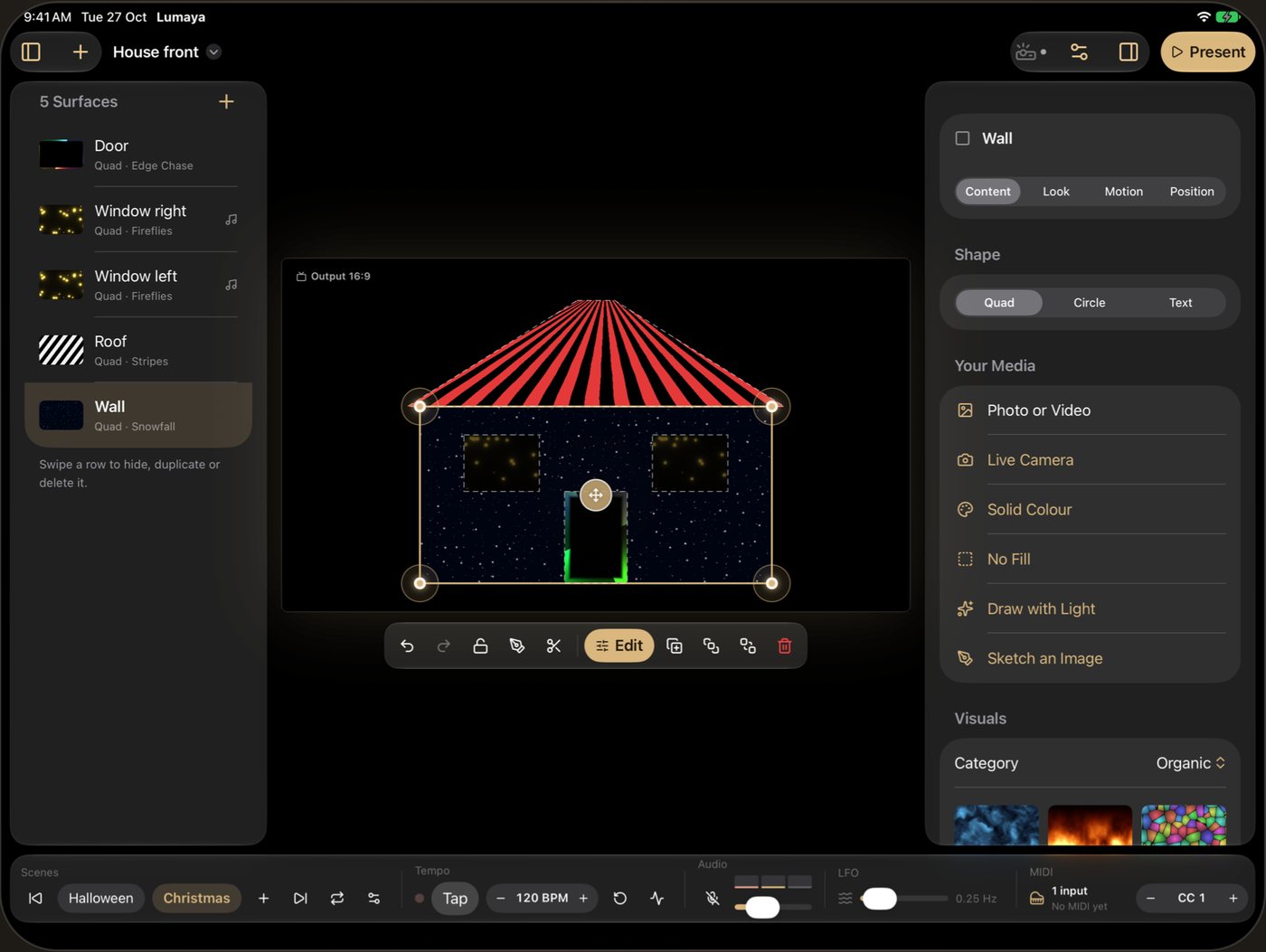
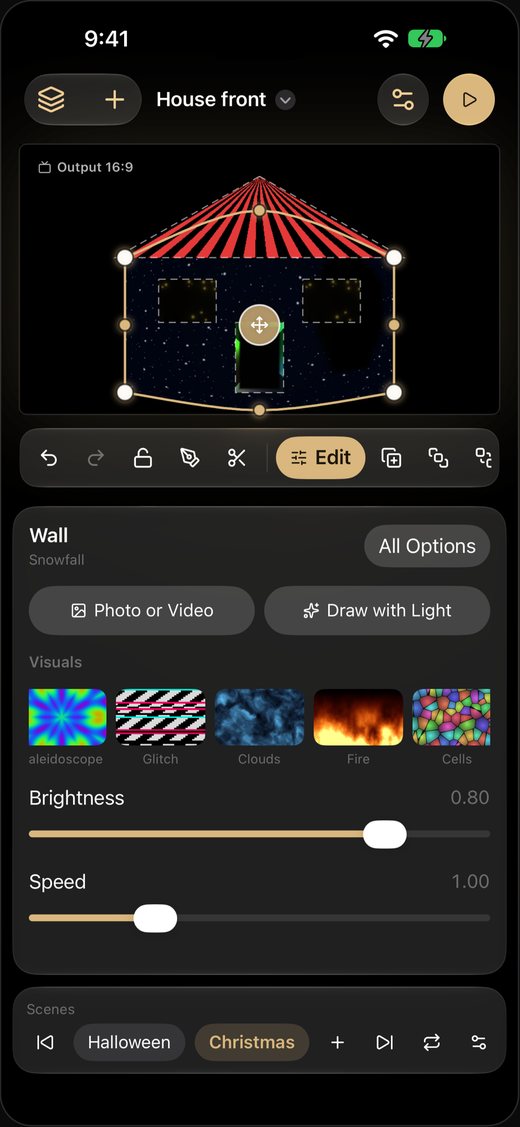
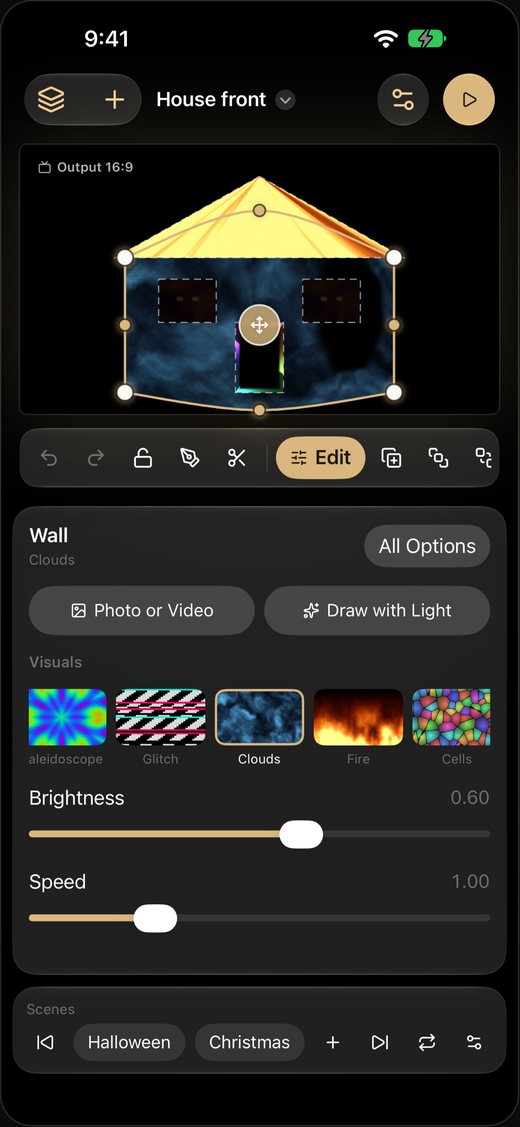
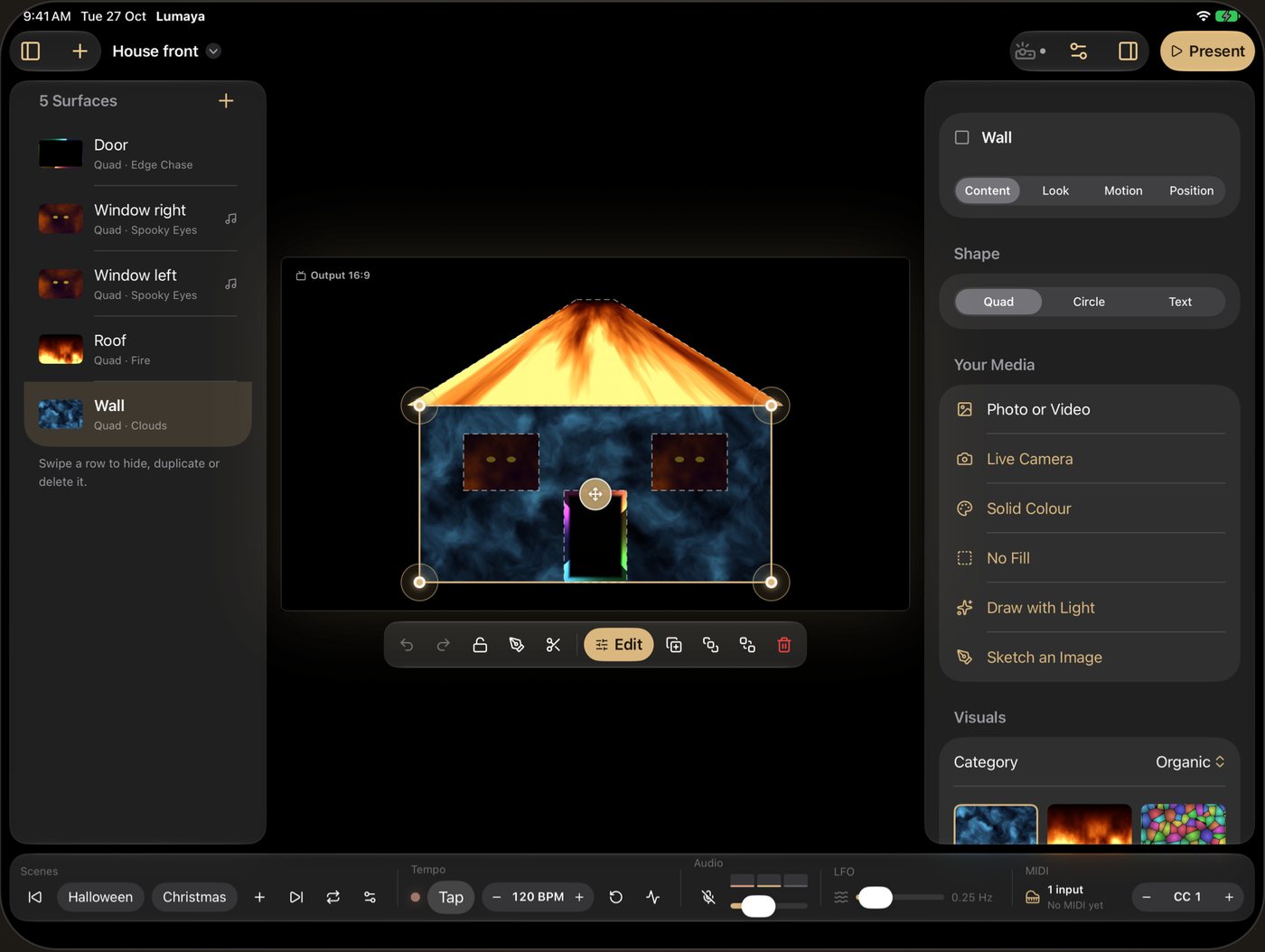
Lumaya: Turn any projector into a light showLumaya: Drag the corners onto anythingLumaya: Change the whole look in a tap
Turn any projector into a light show3 screens
Inside Lumaya

3 things it does well.

Connect any projector by HDMI or AirPlay, drag a shape’s corners onto a wall, a box or a shop window, and fill it with live visuals, your own photos and videos, or light you draw by hand. Save looks as scenes, run them to the beat, and press Play for a clean full-screen output. Made by CRTVT.

  1. Turn any projector into a light show

    Map shapes onto real objects and fill them with live visuals.

  2. Drag the corners onto anything

    Walls, windows, boxes, stages. Curve them to fit.

  3. Change the whole look in a tap

    Save scenes for Halloween, Christmas or the drop, and crossfade on the beat.

The screens

See every screen.

Lumaya: Turn any projector into a light show
01 / 03Turn any projector into a light showMap shapes onto real objects and fill them with live visuals.
Lumaya: Drag the corners onto anything
02 / 03Drag the corners onto anythingWalls, windows, boxes, stages. Curve them to fit.
Lumaya: Change the whole look in a tap
03 / 03Change the whole look in a tapSave scenes for Halloween, Christmas or the drop, and crossfade on the beat.
Try it

Pick a moment. Watch it change.
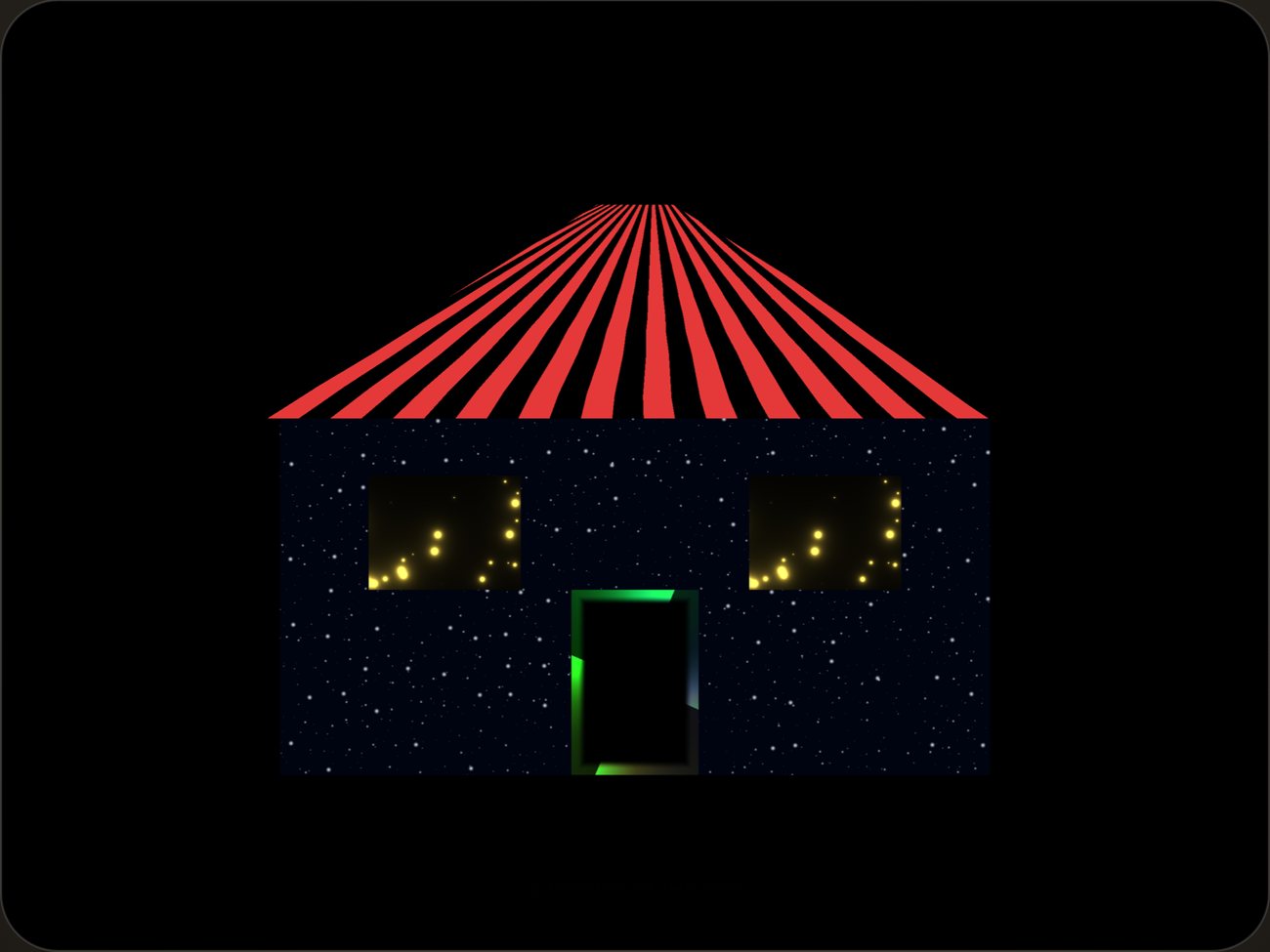
Lumaya: Turn any projector into a light show Lumaya: Drag the corners onto anything Lumaya: Change the whole look in a tap

Help and policies

Lumaya is designed and built by CRTVT, a creative studio in Dubai.

Questions about Lumaya?

Write to the studio. A person reads every message.