Surviva
When everything stops, you still have a plan.
10 things it does well.
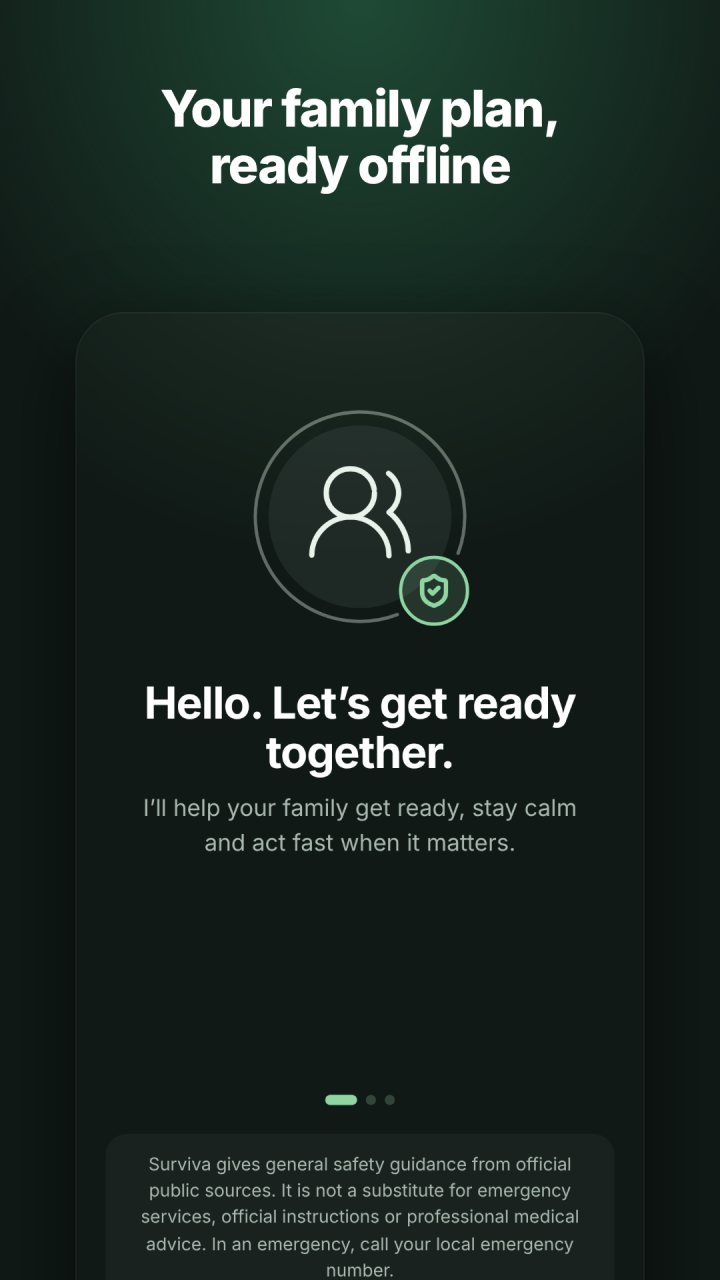
Surviva keeps your family’s emergency plan on your phone, and it works without internet. When networks fail or the power goes out, your guides, your plan and your contacts are still there.
-
Offline
Works without internet
Your guides, plan and contacts live on your phone. When the network or the power goes, they are still there.
-
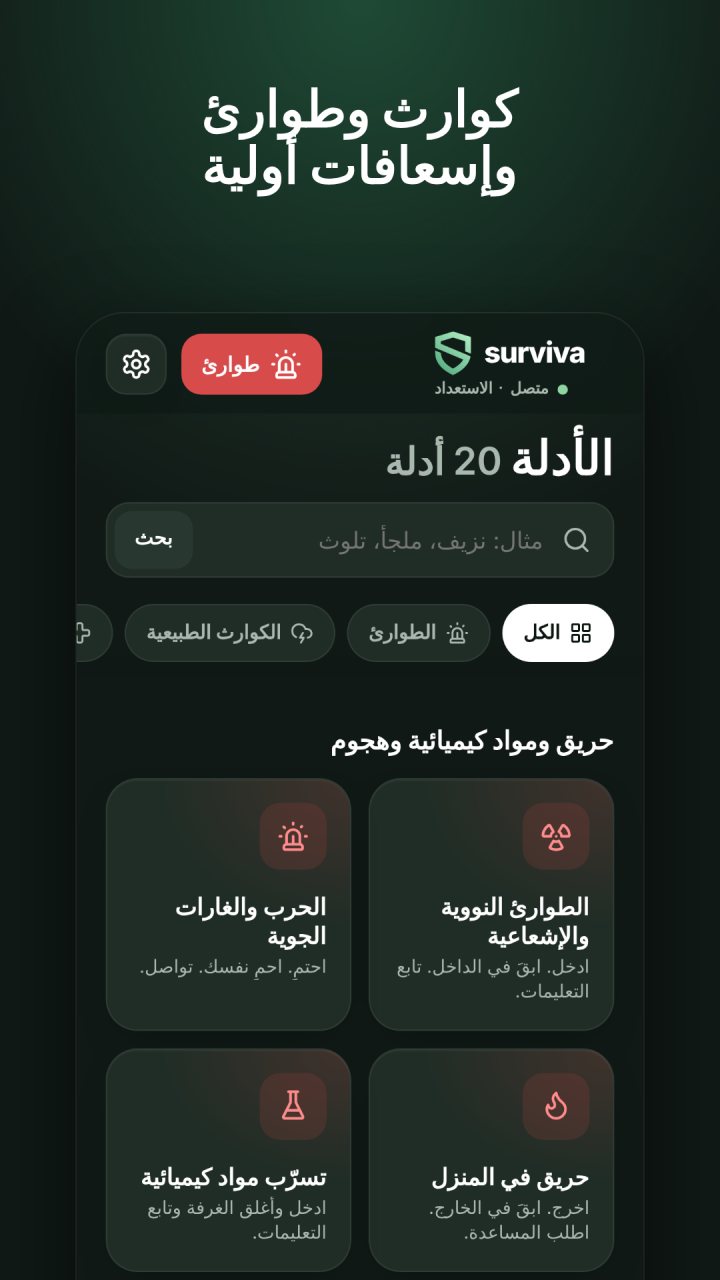
Guides
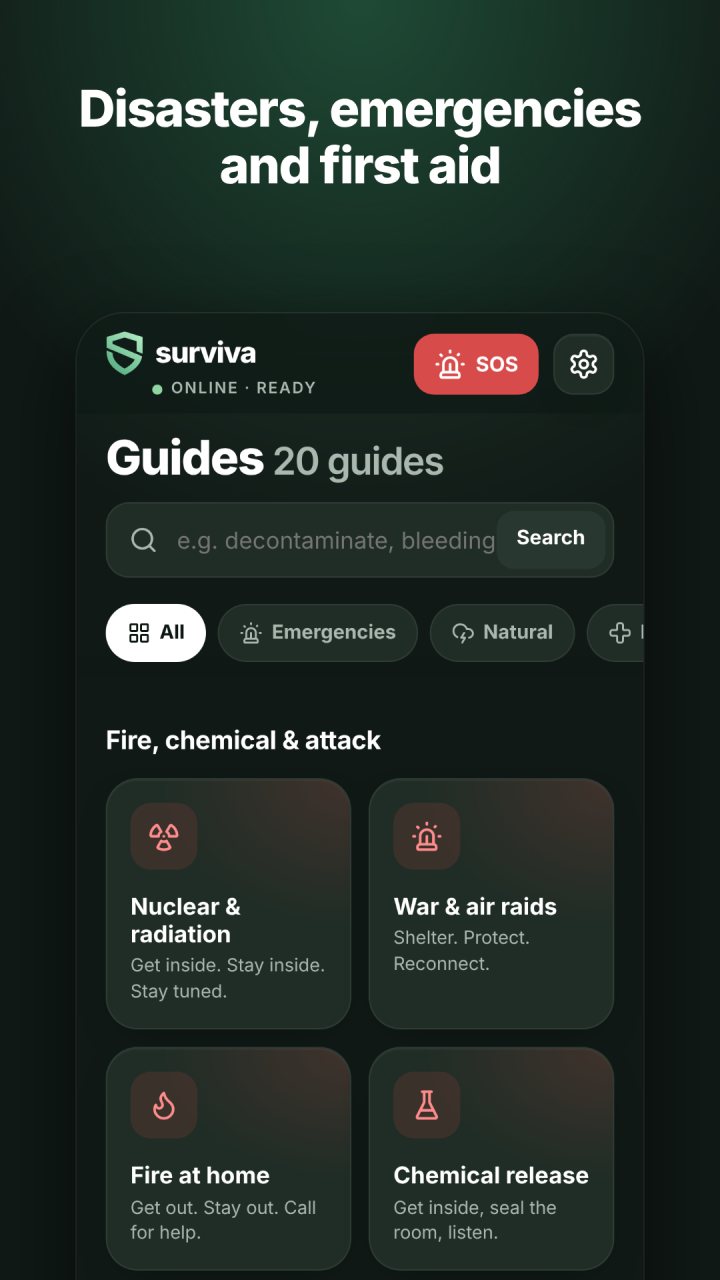
20 step-by-step guides
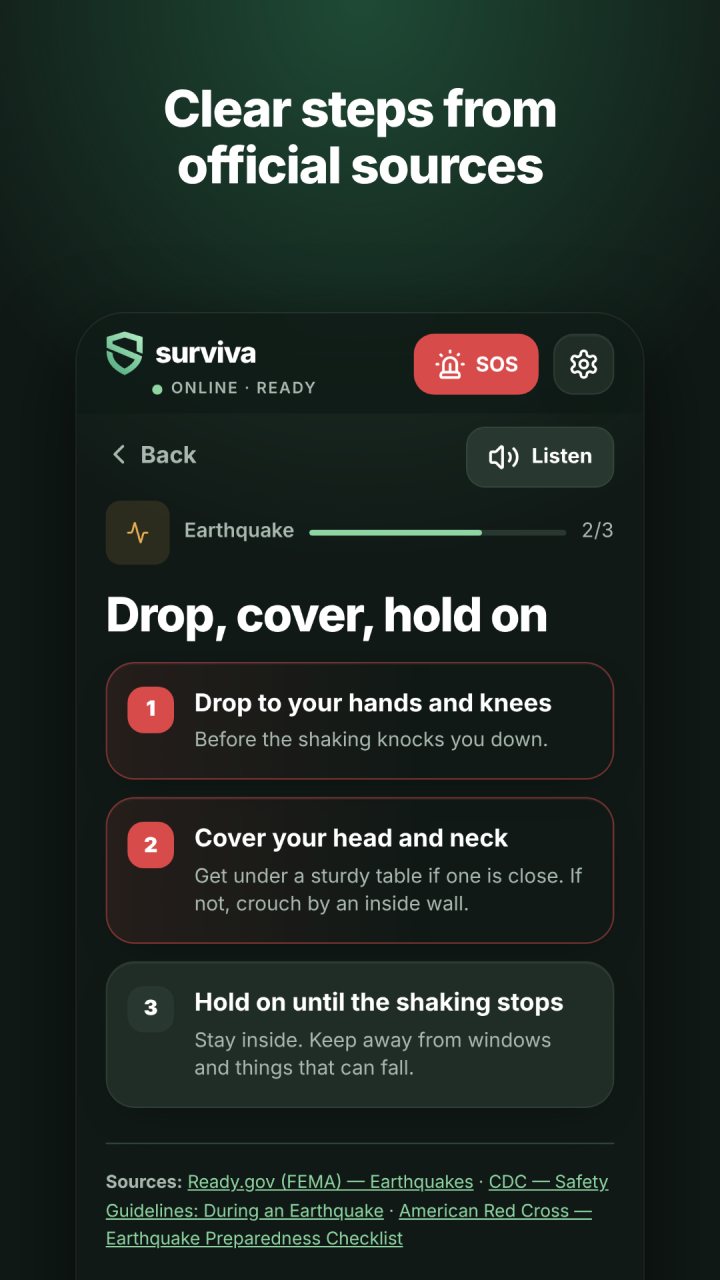
Earthquake, flood, storm, extreme heat, dust storm, tsunami, wildfire, fire at home, chemical release, attack in a public place, nuclear and radiation emergencies, air raids, power outages and recovery. Every step cites its official public source.
-
First aid
Calm, clear first aid
Check and call, severe bleeding, CPR, the recovery position, choking and burns. Steps can be read aloud, with larger text and reduced motion.
-
Family
One plan for the whole family
People and pets, an out-of-area contact and three meeting points. Medical details are optional and stay on your device.
-
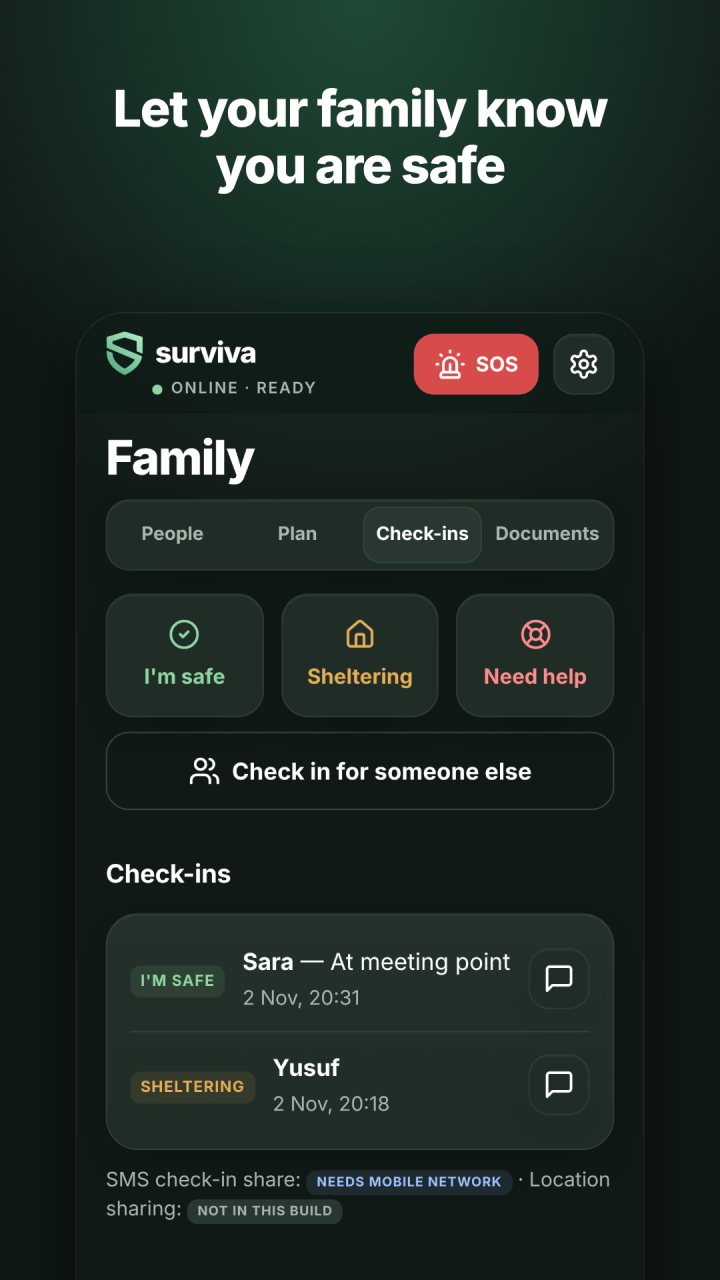
Check-ins
Tell them you’re safe
One tap for I’m safe, Sheltering or Need help. Each check-in is timestamped and shared by SMS.
-
Card
An emergency card
A card to show responders, with the details that matter most.
-
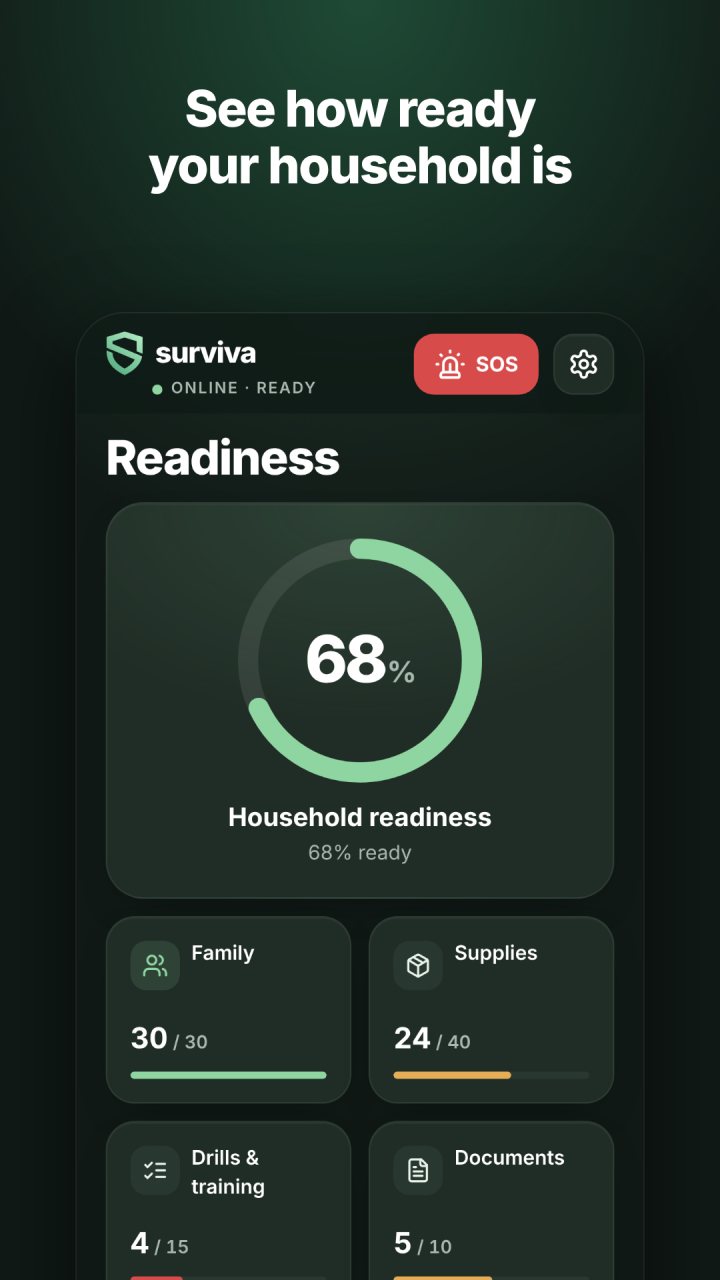
Supplies
Supplies and readiness
A water calculator, an emergency kit checklist, expiry alerts for food and medicine, household drills and a readiness score.
-
Modes
Four modes
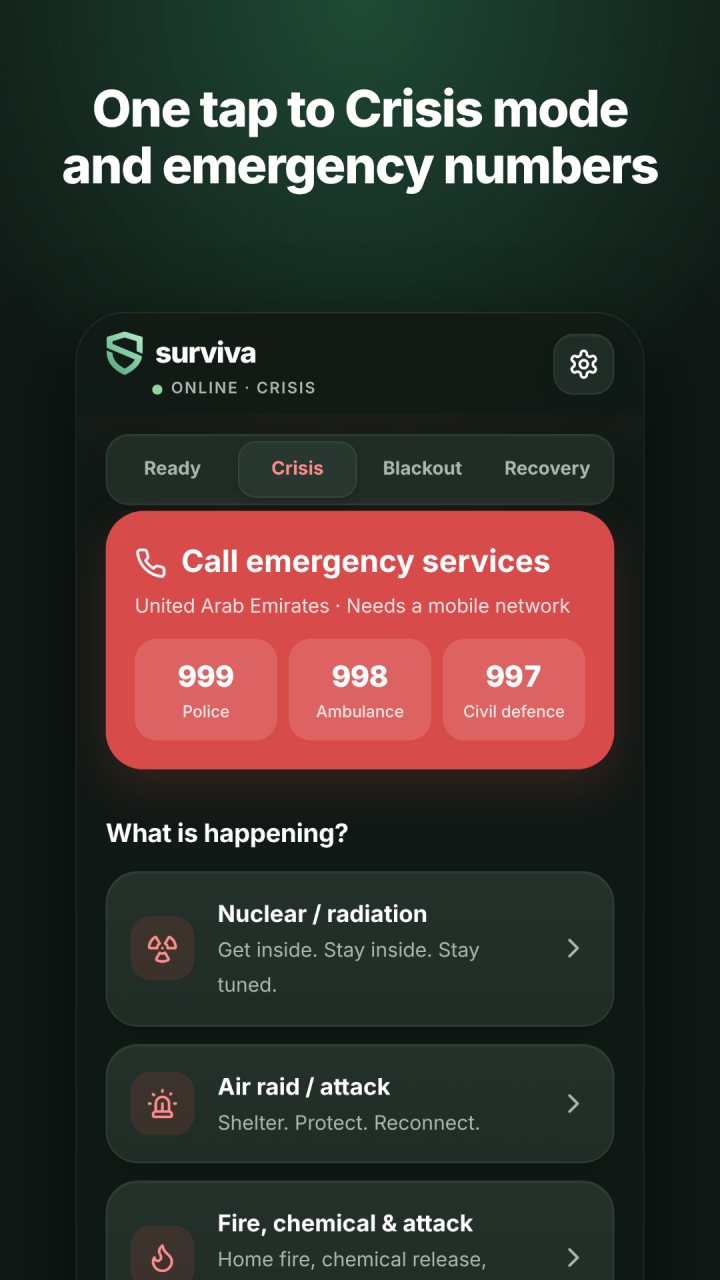
Ready, Crisis, Blackout and Recovery. Tap SOS for Crisis mode and your region’s emergency numbers. Blackout uses a pure black screen to save battery.
-
Privacy
Private by design
No account. No ads. No tracking. Your data stays on your device.
-
Language
English and Arabic
Every screen in both languages, with full right-to-left support.
See every screen.
In English and Arabic.
Every guide, button and message in both languages, with full right-to-left layout. Switch at any time in Settings.
عندما يتوقف كل شيء، تبقى لديك خطة.
Install on Android
- Open crtvt.com/sv in your phone’s browser, or tap Download for Android. The download starts.
- Allow the install. When Android asks, let your browser install apps, then go back.
- Install and open Surviva. It works offline from the first launch. Add your family, then your meeting points.
- Surviva preview · version 1.1.0 preview 3 · Android 7 or later · surviva.apk · 0.2 MB
SHA-256 80a705400b6c99bdd30fe6b699bc8c48a4b297b3a63df0ed072bf46e0764447b
The SHA-256 lets you check a download is exactly the file we published. Surviva asks for no permissions beyond vibration, and it needs no account.
Important
This is a preview build. Surviva’s guidance comes from official public sources, including CDC, Ready.gov, WHO, UKHSA, the Red Cross and the ICRC, and it is still being reviewed by experts. The app marks it as draft until that review is done.
Surviva is not a substitute for emergency services, official instructions or professional medical advice. In an emergency, call your local emergency number.
Surviva is independent and is not affiliated with any government, emergency service or the organisations whose guidance it cites. The full release will follow on Google Play and the App Store.
Try the preview.
Tell us what works and what doesn’t. A person reads every message.